
Losing sales because of stock issues? Ever had a customer try to buy something—and boom—it’s out of stock? You didn’t even know it was low. Or maybe you spent your whole afternoon manually updating product quantities one by one? Yeah, not fun. WooCommerce is great, no doubt. But inventory management? On its own, it’s kind of basic.
That’s where WooCommerce stock manager plugins come in. These tools save time. They prevent mistakes. And honestly, they keep your store running smoothly. This article will walk you through the best stock manager plugins. Real solutions. For real stores.
Why Stock Management Can’t Be Ignored
Inventory issues are silent killers. One minute, everything’s fine. The next? A flood of complaints. Cancellations. Refunds. Your “best-seller” is unavailable, and you didn’t even notice.
Stock manager plugins fix that. They:
- Let you see everything in one spot.
- Help you bulk-edit stuff quickly.
- Color-code low or out-of-stock items.
- And keep your pricing up-to-date.
You don’t need to be techy. You just need a tool that works.
Top 9 Best WooCommerce Stock Manager Plugins
1. WooCommerce Stock Manager Plugin
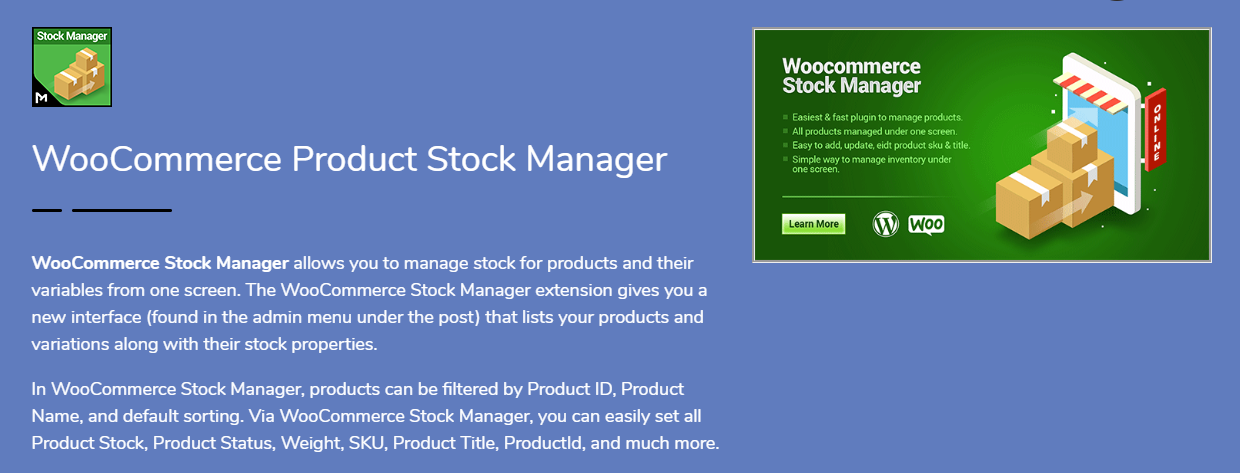
Let’s kick off with a real gem. The WooCommerce Stock Manager plugin by Motif Creatives? It’s popular for a reason. Simple, solid, powerful. You get one screen to manage it all—products, variations, stock, SKU, pricing. No more clicking through ten tabs.
Here’s what it brings to the table:
- Works with simple and variable products.
- Let’s you bulk-update stock, price, SKU, and more.
- Search by category or name.
- Shows product thumbnails so you’re not guessing.
- New features? Like variation-level bulk editing. Super handy.
You can even label stock status with colors. Red = low. Green = good. Small stuff like this? Makes a big difference when you’re managing 100+ products.
2. ATUM Inventory Management for WooCommerce
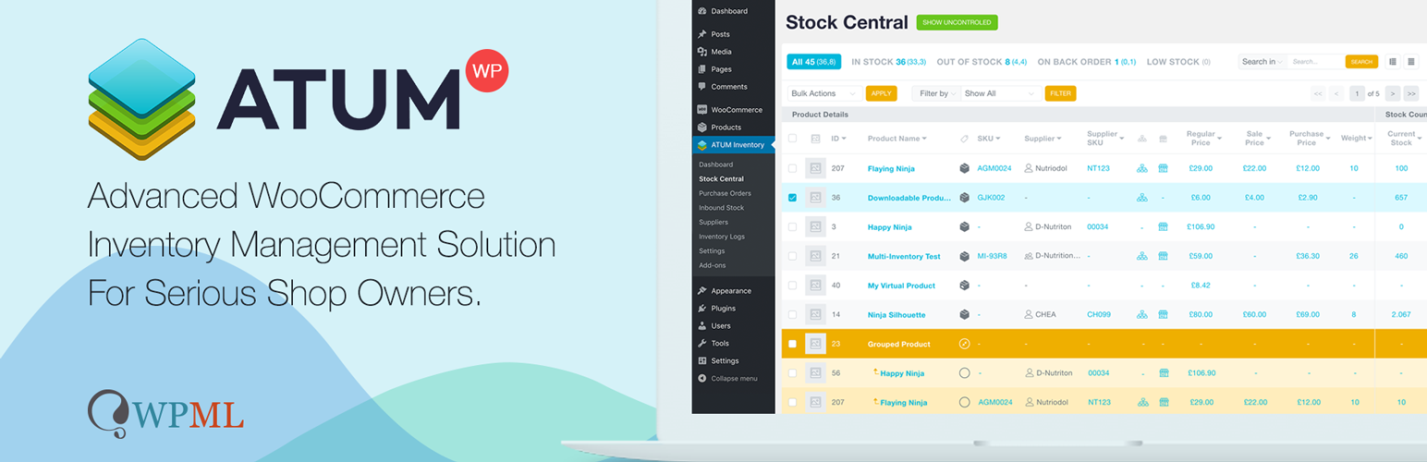
Alright, time to go pro. ATUM isn’t just a plugin. It’s like a complete inventory system—right inside your WordPress dashboard. It’s big, bold, and surprisingly friendly.
What you’ll love:
- A custom dashboard with filters, charts, and buttons everywhere.
- Quick edit options.
- Detailed reports.
- Purchase price tracking.
- Add-ons for multi-location stock if needed.
One user said it felt like turning WooCommerce into a mini ERP. Sounds dramatic, but kind of true.
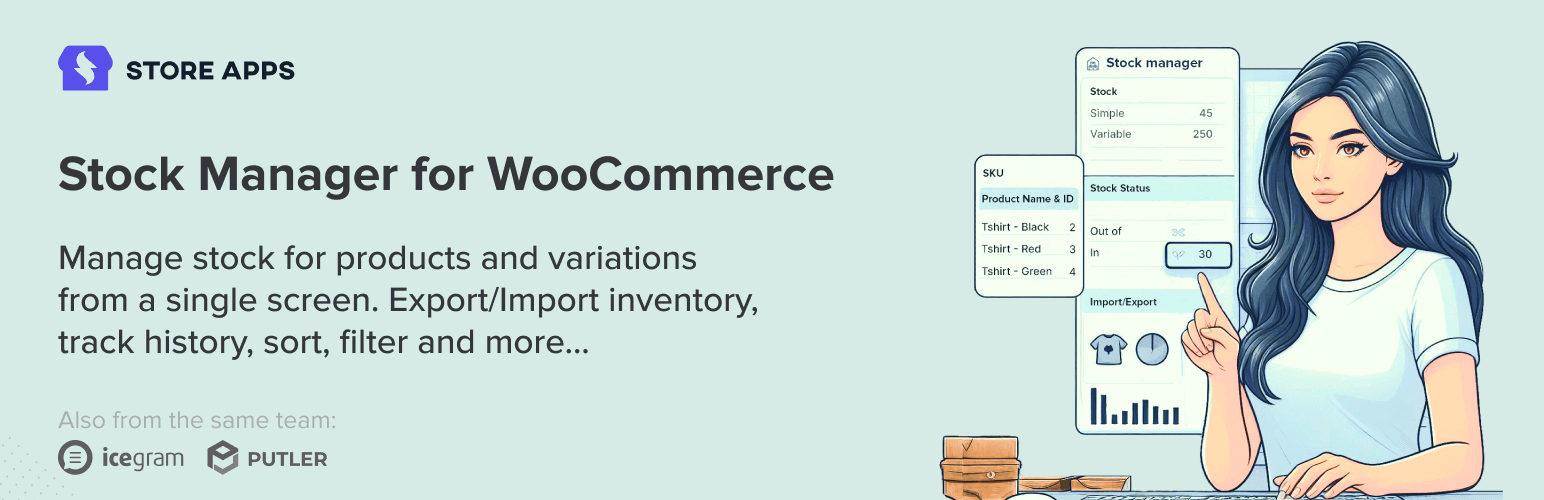
3. Smart Manager by StoreApps

Spreadsheet lovers, this one’s for you. Competent Manager gives you an Excel-like view of your entire store: products, orders, stock—right there. No refreshing. No loading spinners.
Inventory benefits:
- Bulk editing in rows and columns.
- Live filtering and searching.
- Instant updates on the go.
It’s not just stock, either. You can manage pricing, categories, tags—all at once. If you like clicking fast and getting things done even faster? This one’s your vibe.
4. Stock Synchronization Plugin

Imagine getting stock info straight from your supplier—automatically. This plugin enables you to synchronize your WooCommerce inventory with external CSV or XML files. Extremely useful for dropshippers or those with extensive catalogs.
What it does:
- Pulls in stock data from external URLs.
- Matches SKUs and fields.
- Schedules updates (hourly, daily—you choose).
Set it up once. Let it run. No more manual syncing. Boom.
5. WooCommerce POS Inventory Manager

Got a physical shop too? This plugin’s your best friend. When online meets offline, inventory gets messy fast. This tool connects your point-of-sale (POS) system with WooCommerce.
Top perks:
- Real-time inventory sync between your retail and online stores.
- Barcode scanning.
- Track returns and restocks.
- Great for multi-location stores.
Now, your cashier’s actions won’t mess up your online stock. Harmony. Finally.
6. WP Inventory Manager (WooCommerce Bridge Required)
Okay, this one’s more advanced. Not for everyone. WP Inventory Manager is a full-featured plugin. Think tracking by user, department, or location. Then it connects to WooCommerce via a bridge plugin.
Here’s what it’s good for:
- Businesses that need deep inventory control.
- Managing non-eCommerce stock too (think schools, rentals, etc.).
- Reporting, logging, and assigning roles.
It’s powerful, but yes, setting it up takes time. Worth it if you’ve got complex needs.
7. Z Inventory Manager
Simple. No fluff. Z Inventory Manager keeps things minimal. Still manages restocks, supplier information, and low-stock warnings.
Good stuff:
- Works well for internal stock tracking.
- Gives clean reports.
- Handles basic product workflows.
Ideal for those on a budget or who simply need basic inventory tools.
8. WooCommerce Schedule Stock Manager
Got flash sales or pre-launches? You’ll like this one. Schedule a product’s return to stock. Or when prices should change. Perfect for time-sensitive stuff.
Why it’s cool:
- Stock changes on autopilot.
- Prices fluctuate based on the schedule.
- Save time planning holiday promotions.
Set it. Forget it. Focus on marketing while the plugin does the lifting.
9. WooCommerce Out of Stock Manager
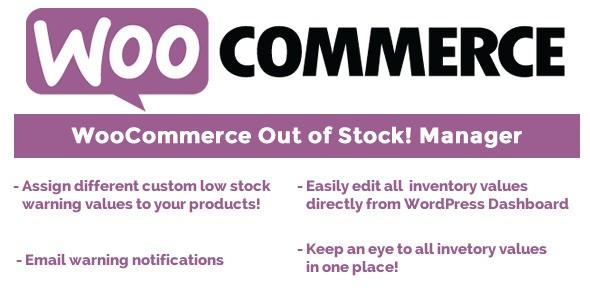
Let’s talk about being proactive. This plugin alerts you before issues arise. Not after.
Here’s what it does:
- Sends emails for low or zero stock.
- Let’s you set custom stock thresholds.
- Adds messages like “Back in Stock Soon” to your product pages.
This keeps your customers informed—and your team too. No more panicked DMs asking, “Why is it gone?!”
Why Managing Stock Properly Matters
Messy inventory hurts more than just sales. It breaks trust. It creates chaos. And it burns out store owners fast.
But a good stock plugin?
- Prevents order cancellations.
- Avoids overselling.
- Saves hours every week.
- Keeps your team aligned.
Plus, you look professional. Customers like that. They return. They refer others. And your revenue? It grows.
Tips to Make These Plugins Work Better
Having a plugin isn’t enough. You have to use it correctly.
Here are quick tips:
- Audit weekly. Don’t rely 100% on automation.
- Label products properly. Makes filtering easier.
- Use categories. Bulk edits become simple.
- Turn on notifications. Know before stuff runs out.
- Back up your store. Just in case something breaks.
Also—teach your staff. Even the best plugin won’t help if no one knows how to use it.
Conclusion
Inventory doesn’t have to be chaos. With the right WooCommerce stock manager plugin, you take control—without wasting time. Whether you’re running a small boutique or a massive online store, these plugins save you headaches and boost your efficiency.
Start with a plugin like WooCommerce Stock Manager if you’re new. It’s easy, visual, and quick. As your needs grow, you can always upgrade to tools like ATUM or Smart Manager. Just remember—organized stock means smoother sales, fewer returns, and happy customers.
So, ready to take charge of your inventory?


