
Being a successful architect demands fluency not just in artistic vision but also in the tools that fuel that creativity. Today�s powerful and feature-rich software tools can greatly improve your productivity and creative ability as an architect. Let�s take a closer look at several essential software tools that every architect should know how to use.
Lumion
The rendering capabilities of Lumion have revolutionized the way architects see their designs. Its primary benefit is that it can easily and quickly create stunning, high-quality graphics. Using Lumion’s intuitive interface, architects can enhance models from other 3D modeling software by adding realistic surroundings, eye-catching effects, and rich textures.
One of Lumion’s most remarkable features is the size of its material and object library, which includes people, furniture, trees, and other objects that add realism to architectural simulations. This allows sceneries to be created that are vivid and detailed, giving architectural ideas life. Furthermore, modifications to the model or surroundings can be seen immediately because of Lumion’s real-time rendering capabilities, offering real-time feedback.
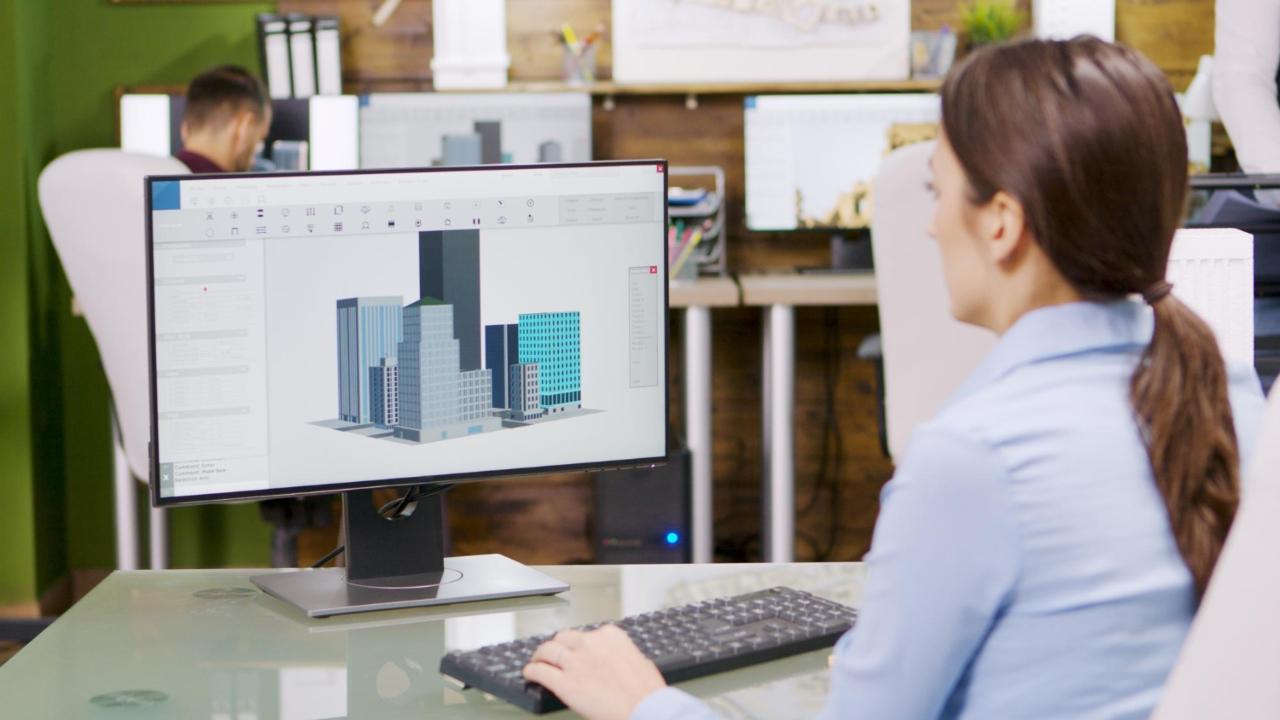 Image by DCStudio on Freepik
SketchUp
On the other hand, SketchUp stands out as an essential tool for architects due to its user-friendly design and intuitive interface. Its forgiving learning curve is perfect for real-time visualization and editing of blueprints. What distinguishes SketchUp is its rapid generation of 3D models, a critical aspect in the early stages of design.
Additionally, the 3D Warehouse offers an extensive library of models and textures, significantly saving time when building scenes from the ground up. Architects can also position their models in real-world geographic areas because of its flawless interface with Google Earth, giving their designs a genuine context. Plugins such as LayOut for generating presentations and V-Ray for advanced rendering can be included.
Rhino and Grasshopper
Rhino 3D and its sister plugin Grasshopper make a formidable team when it comes to architectural design. The 3D modeling program Rhino is renowned for its precision and capacity to manage intricate geometries. It is incredibly flexible.
But its true power is enhanced by Grasshopper, a visual programming language plugin that lets architects experiment with algorithmic and parametric design without having to write any code. Architects can modify data and geometry through a node-based approach, similar to linking Lego bricks, using Grasshopper’s user-friendly interface.
This makes it possible to create generative forms that are complicated and would be difficult or impossible to represent using conventional methods. That�s why Grasshopper 3D architecture software has had a huge impact on the industry, as seen by its usage in well-known buildings like Nike’s House of Innovation in New York. And with many quick courses, it�s quite easy to add to your skill repertoire.
 Image by vecstock on Freepik
Revit
A giant in the field of Building Information Modeling (BIM) is Autodesk’s Revit. In contrast to conventional CAD software, which concentrates on 2D drafting, Revit is made entirely of 3D. It enables architects to produce intricate, clever models that capture a building’s whole life cycle, from conception to construction and beyond, in addition to representing the geometry of the structure.
This covers elements such as energy analysis, load-bearing structures, and material specification. Revit’s collaborative environment is very helpful for large-scale projects with several stakeholders.
It reduces errors and enhances coordination by enabling experts from many domains, like engineers and architects, to work together simultaneously on the same model. All model adjustments are automatically reflected in all views and documentations because the software is database-driven.
Adobe Photoshop
Adobe Photoshop is unique when it comes to architectural visualization and presentation. It is a complete platform for producing eye-catching visual storytelling of architecture designs rather than just an image editing tool.
With Photoshop’s extensive feature set, architects may apply realistic materials, modify renderings, and use lighting effects to set the mood. The layer-based editing mechanism of the program enables complex compositing and changes, enabling the fusion of disparate visual elements from multiple sources into a unified whole. In the final stages of design, when it’s critical to show concepts to clients or stakeholders, Photoshop comes in handy.
Its capacity to adjust lighting, shadows, and colors can make a representation more realistic and effectively communicate the architect’s concept.
Mastering these tools can significantly improve your ability to design, present, and execute your projects. From the precision of AutoCAD to the parametric capabilities of Grasshopper in Rhino, each tool offers something unique that can enrich an architect’s workflow. As the field of architecture continues to embrace digital innovation, proficiency in these tools is not just advantageous, it’s essential for staying ahead in a competitive landscape.
By Derek Lotts


